
AI presenter
Early Access
A news studio, run by AI.
Presenters, voices in your language, broadcast graphics, whole bulletins and the checks that keep them to standard — one studio, and no building to book. Your editors approve the script; NewsMaker makes the video, labelled on screen as made with AI.
Sample in Korean. The presenter and the voice are AI-generated.
Formats
What it makes
Three formats work today. Each starts from your link or your notes, and none is made until a person approves the script.
Available now
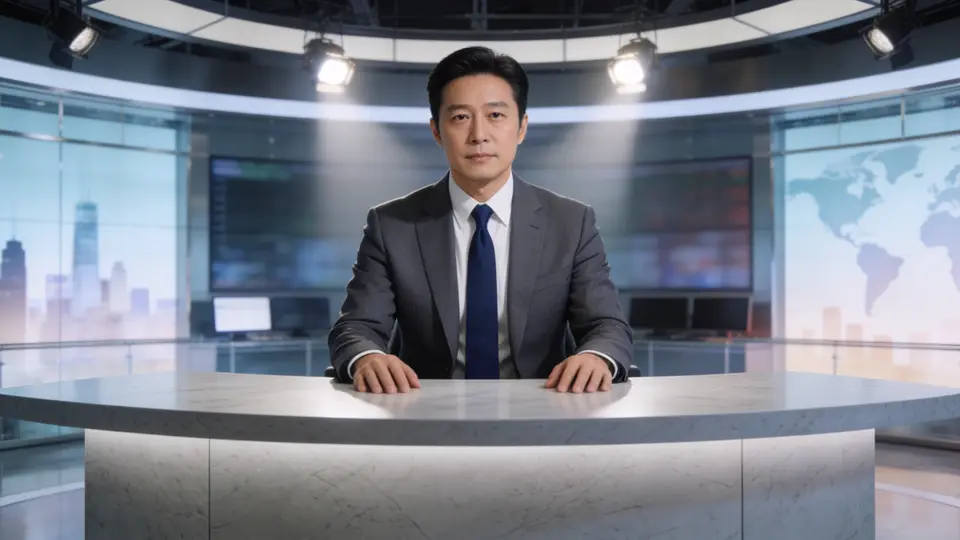
Anchor story
One story, opened and closed by an AI presenter in your studio.
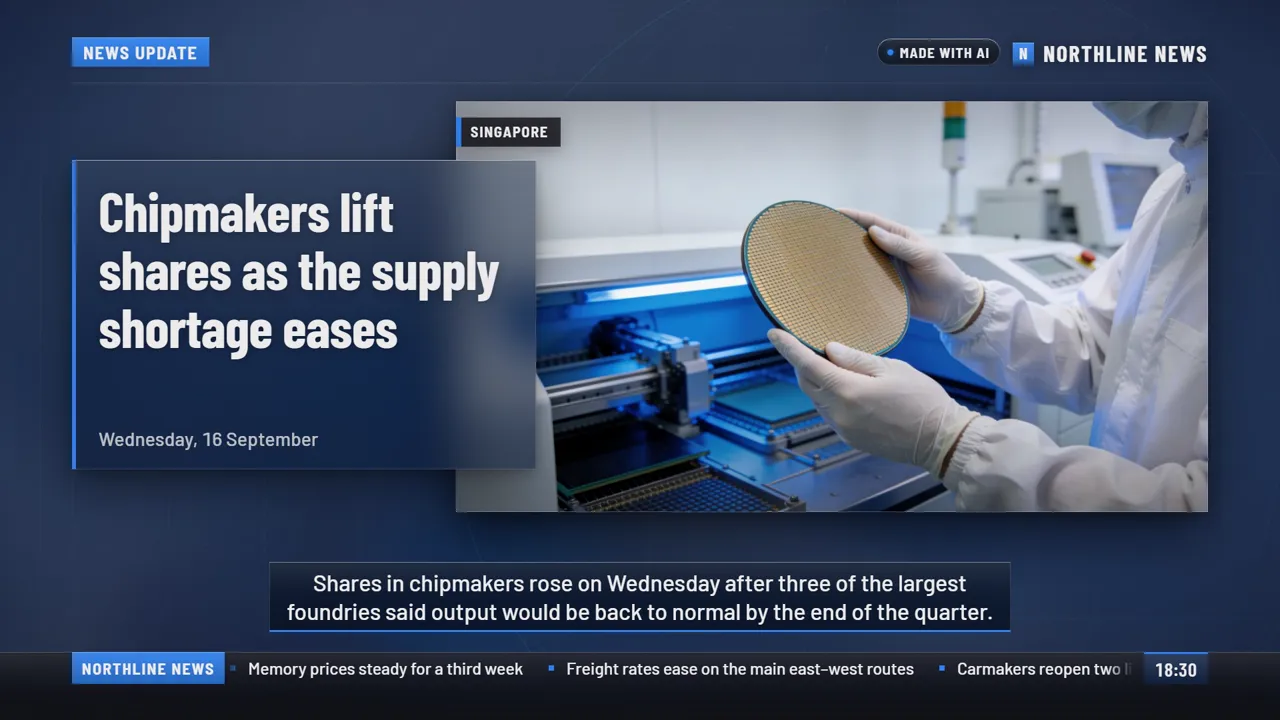
Headline story
One story for YouTube, TV and your website, with your graphics over your pictures.
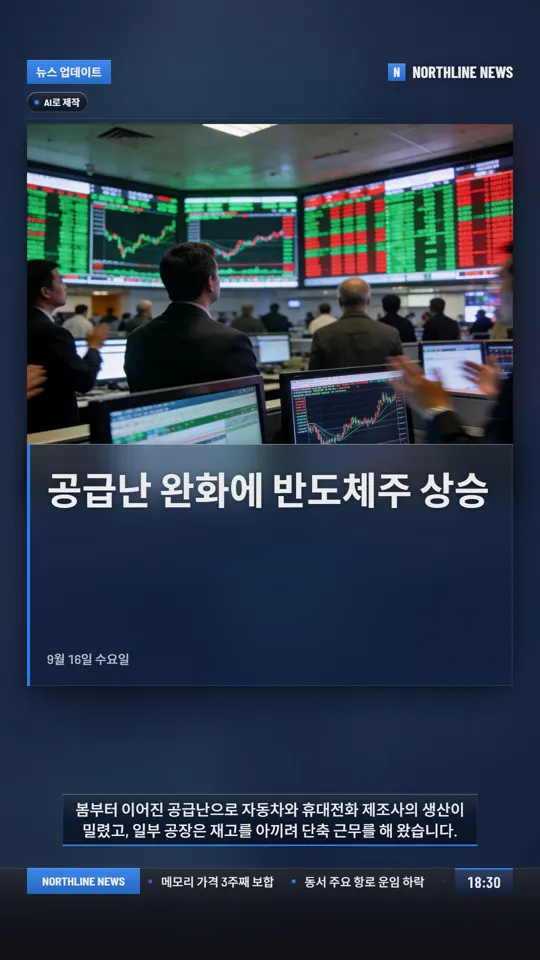
News reel
One story in vertical video for Instagram Reels, YouTube Shorts and WhatsApp.
In development
- Two-anchor show
- Two AI presenters share the news from your approved stories.
- Anchor and reporter
- Your presenter introduces the story and hands over to an AI reporter.
- Full bulletin
- Your approved stories in one bulletin, timed to fit your slot.
Studios
The studio library
Eight house studios, ready to use. A presenter is placed in the room, and any look can be drawn in any of them. A channel can also set up a studio of its own.
Every presenter and voice on this page is AI-generated. None of them is a real person.
- International newsroom
- Regional studio
- Breaking news
- Business desk
- Morning show
- Minimal
- Virtual set
- Local newsroom
Presenters and voices
Made in the language your audience speaks
Scripts, voices, captions and on-screen graphics follow the language of the story. Right-to-left languages mirror the whole layout, so an Arabic headline reads from the correct side.
- House presenters are ready to use. You can also make your own, or build one from a real person who consents on camera.
- Voices come from a large voice library, filtered to your language. A cloned voice needs the speaker’s own recorded consent.
- The app’s screens are in English and 17 other languages. Those 17 are AI translations, marked Beta until a native speaker checks them.
 Korean
 Arabic
 Malayalam
 Japanese
Graphics
Graphics built to broadcast standards
Nineteen templates, each drawn to a fixed grid and checked by the renderer, so a long headline wraps inside the safe area and is never cut off. Your logo and colours go into the template.
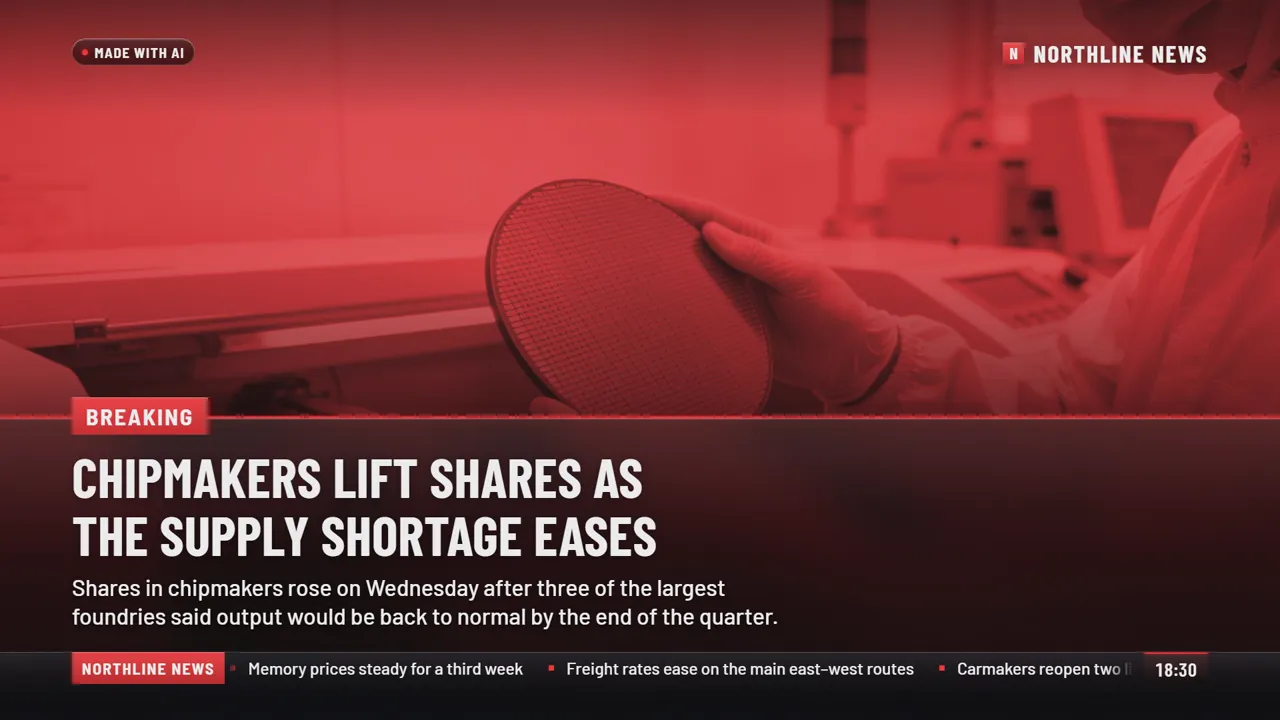
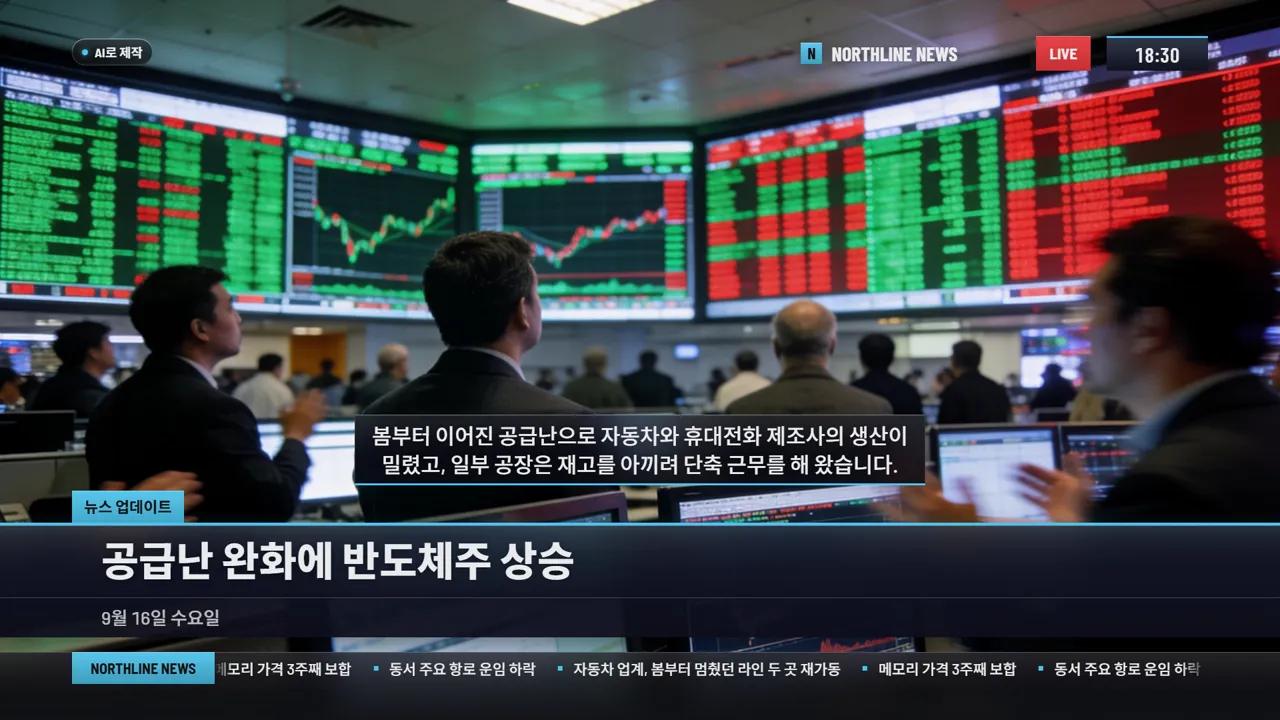
Frames from the real renderer. The channel, the story and the photo are samples.
- Picture
- 1920 × 1080 and 1080 × 1920, at 25 or 30 frames a second
- Safe areas
- Title-safe at 90%, action-safe at 93%
- Colour
- Template palettes held to the 16–235 video range
- Sound
- Set to −23 LUFS for broadcast or −14 LUFS for social, then measured
- Files
- MP4, thumbnail, and captions as .srt and .vtt
Trust and labelling
Plain about what is AI
AI writes drafts, reads scripts and generates presenters. It makes mistakes. So a person approves every script, and every video says what AI made.
A label that stays on
Videos carry an on-screen “Made with AI” label, and presenter shots say “AI presenter”. A template can’t remove the label, and neither can a channel.
Written into the file
The finished video records its AI source type in its metadata, with a plain description for platforms. Content Credentials (C2PA) are planned and not yet in place.
A person approves the script
Each line is checked against your sources, and anything unsupported is flagged. Nothing is produced until someone on your team approves it.
Consent for real people
A presenter or voice based on a real person needs that person’s consent, on record. It can be withdrawn, and videos made with it can then no longer be downloaded.
Measured before it leaves
Each file is measured for size, frame rate, sound level, black or frozen picture, long silence and captions. A video that fails can’t be downloaded.
You stay responsible
NewsMaker helps you make the video. What you publish, and whether it is true, remains your newsroom’s decision.
How it works
Three steps, two gates
Script
Paste a link or your notes. NewsMaker drafts the script and checks each line against your sources. You edit it and approve it.
Gate 1: nothing is voiced or made until the script is approved.
Preview and adjust
Hear the voice, see the presenter, the studio and the graphics, and change any of them. One question — how does it look and sound? — answered in one place.
Final checks
The finished video goes through the ready-to-air checks. Watch it, then download the video and its captions.
Gate 2: a video that fails the checks can’t be downloaded.
Early Access
Try it on a story of your own
NewsMaker is in Early Access, so features may still change. Create an account and make a video from a story you are working on.
Broadcasters and newsrooms
Bring a real script and your own logo and colours, and judge the result against your own standards. Talk to us about your workflow.
Independent creators
The same tools work for one person: a script, a voice and a finished video in your language.
Contact
Talk to us
Tell us about your newsroom and what you want to make. We’ll reply by email.